
The Best Code Editors for Linux: Find the Perfect One for You
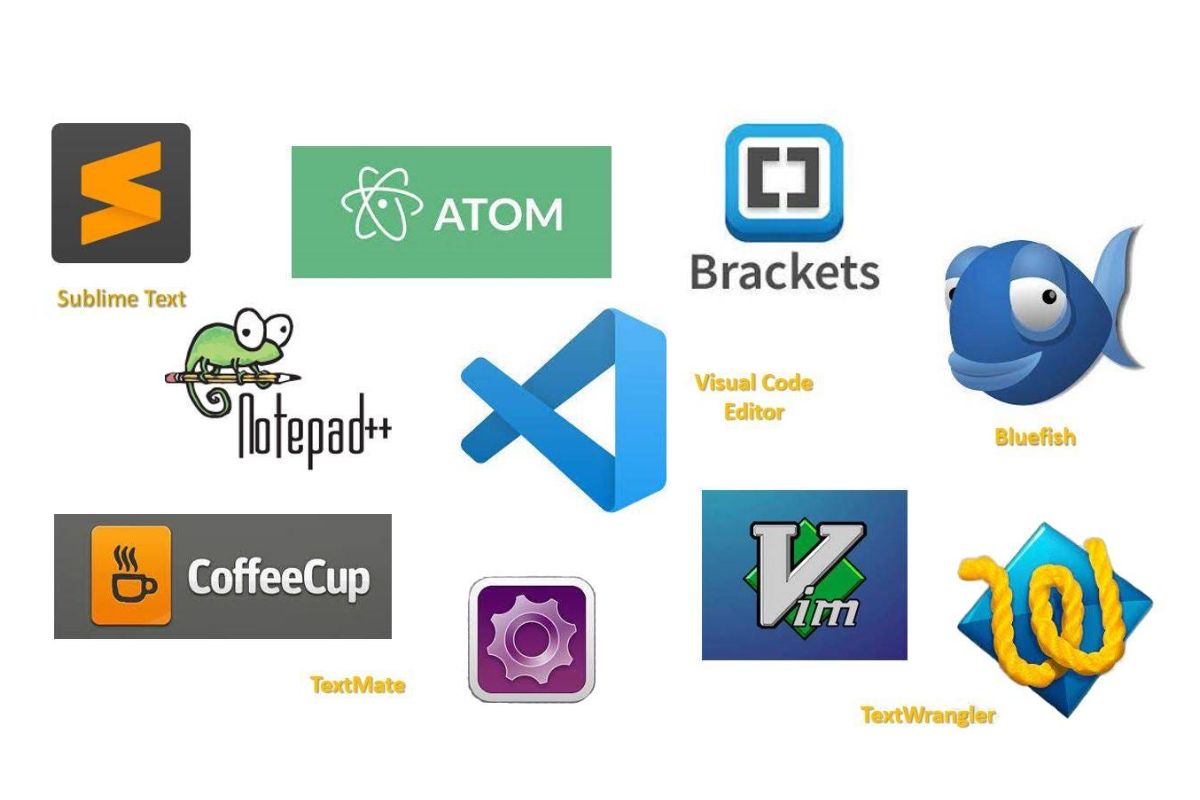
If you use Linux for programming, you already know that having the right code editor can make or break your productivity. A good editor doesn’t just help you write code — it helps you think better, stay organised, and work faster. The problem is, there are so many options that choosing the right one feels confusing.
So in this article, we’ll walk through the best code editors for Linux, helping you pick one that fits your workflow, whether you’re a beginner or an experienced developer.
1. Visual Studio Code (VS Code): The All-Rounder
If you’ve been coding for even a short while, you’ve probably heard of VS Code. It’s free, open-source, and one of the most powerful editors available on Linux.
Why it’s great:
- It supports almost every language you can think of — Python, JavaScript, C++, Go, and more.
- You can install thousands of extensions, from debuggers to AI coding assistants.
- The interface is clean, simple, and beginner-friendly.
- Built-in Git integration makes version control super easy.
When to use it:
If you like having everything in one place — your code, terminal, debugger, and even AI tools — VS Code is perfect for you.
Downside:
It can feel heavy on older systems or when you add too many extensions. But if your machine is modern, it’s hardly a problem.
2. Sublime Text: Fast and Beautiful
Sublime Text is like that quiet friend who doesn’t talk much but gets everything done perfectly. It’s clean, quick, and lightweight, yet powerful.
Why it’s great:
- Loads in seconds, even on older hardware.
- Multiple cursors let you edit code faster.
- Plugin support via Package Control lets you add features as you grow.
- It looks elegant and distraction-free.
When to use it:
If you love simplicity and speed, or just need a lightweight editor for daily coding, Sublime Text will make you happy.
Downside:
It’s not completely free — you can use it without paying, but technically, it’s a paid tool.
3. Vim and Neovim: The Keyboard Masters
If you enjoy using the terminal and love working without a mouse, Vim (and its modern version, Neovim) might become your best friend. These editors are built for speed and power — once you master them.
Why it’s great:
- Blazing fast and always available on Linux.
- Fully keyboard-driven, so your hands never leave the keyboard.
- Customisable with plugins and themes to create a full IDE experience.
- Great for working on remote servers or inside SSH connections.
When to use it:
If you’re a developer who prefers total control or frequently works in the terminal, Vim or Neovim will make your workflow incredibly efficient.
Downside:
It takes time to learn. At first, even quitting Vim feels like a puzzle — but once you learn the commands, you’ll fly through your code.
4. Emacs: The Powerhouse
Emacs isn’t just a text editor — it’s a complete environment. Some developers use it to write code, take notes, read emails, and even browse the web.
Why it’s great:
- Incredibly customisable; you can tweak almost every aspect of it.
- Has modes for every programming language.
- Supports extensions for project management, version control, and more.
- Perfect for people who love to make their own unique setup.
When to use it:
If you’re someone who enjoys crafting your own tools, automating repetitive tasks, and building an editor that feels yours, Emacs is unmatched.
Downside:
It has a steep learning curve. But if you love tinkering, it’s worth the time investment.
5. Kate: Simple Yet Smart
Kate is a graphical editor that comes from the KDE desktop environment, but you can install it on any Linux distribution. It’s fast, elegant, and great for people who prefer GUI editors.
Why it’s great:
- Clean and modern interface with tabbed editing.
- Built-in terminal, autocomplete, and syntax highlighting.
- Multi-cursor editing for faster text manipulation.
- Lightweight yet powerful enough for complex projects.
When to use it:
If you want a fast and capable editor that looks nice and works right out of the box, Kate is an excellent choice.
Downside:
It’s less popular than VS Code, so the community and plugin support are smaller.
6. Zed: The Future-Ready Editor
Zed is a new, modern editor built with performance and collaboration in mind. It’s written in Rust and designed for teams that want to code together in real time.
Why it’s great:
- Lightning-fast performance using GPU acceleration.
- Real-time collaboration lets multiple people code together.
- AI-assisted coding features are built in.
- Beautiful, minimal design.
When to use it:
If you like trying new tools and want something cutting-edge, Zed gives you a futuristic experience. It’s especially useful if you work in a collaborative environment.
Downside:
It’s still new, so you may find fewer plugins and community guides than older editors.
7. Nano: For Quick Edits in Terminal
Sometimes you just need to open a file, change a few lines, and close it. For that, Nano is the perfect companion. It’s pre-installed on most Linux systems and extremely beginner-friendly.
Why it’s great:
- Simple interface with commands visible at the bottom.
- Great for editing config files quickly.
- Doesn’t require any setup or learning curve.
When to use it:
When you’re connected to a remote server or editing system files, Nano is fast, convenient, and reliable.
Downside:
It’s not meant for large projects or heavy coding — just simple edits.
8. Geany: The Mini IDE
Geany sits between a code editor and a full IDE. It’s small, but comes with many features that make development easier.
Why it’s great:
- Built-in compiler support for languages like C, C++, and Python.
- Syntax highlighting and code folding.
- Light and fast — runs smoothly even on older hardware.
- Integrated terminal and file browser.
When to use it:
If you want the feel of an IDE without the bloat, Geany is an excellent pick.
Downside:
It doesn’t have as many extensions as VS Code, and its interface feels slightly old-fashioned.
9. Atom (Legacy Option)
Atom was once the darling of the open-source community, built by GitHub and loved for its customisation and UI. While it’s no longer actively developed, it’s still usable for those who prefer its style.
Why it’s great:
- Beautiful and intuitive interface.
- Strong Git and GitHub integration.
- Wide plugin support (although limited updates now).
When to use it:
If you liked Atom’s look and still want something similar, VS Code is the best alternative today.
10. GNOME Text Editor (Gedit): Lightweight and Clean
If you’re using Ubuntu or another GNOME-based Linux distro, Gedit might already be installed. It’s simple, reliable, and perfect for small coding tasks.
Why it’s great:
- Simple interface, perfect for beginners.
- Fast and stable, with syntax highlighting.
- Easy plugin system for small enhancements.
When to use it:
If you just want a minimal editor that works, Gedit is ideal for quick scripts and notes.
Downside:
It lacks advanced features, so it’s not great for large projects.
Which Editor Should You Choose?
There’s no single “best” editor — it depends on what kind of developer you are.
| Editor | Best For | Type |
|---|---|---|
| VS Code | Beginners, professionals, and multi-language projects | Full-featured GUI |
| Sublime Text | Fast coding, minimal setup | Lightweight GUI |
| Vim / Neovim | Terminal users, advanced developers | Terminal |
| Emacs | Customisation lovers, power users | GUI + Terminal |
| Kate | KDE users, simple yet modern interface | GUI |
| Zed | Collaborative coding, AI workflows | GUI |
| Nano | Quick edits on terminal | Terminal |
| Geany | Small IDE feel, old hardware | GUI |
| Gedit | Beginners and basic scripts | GUI |
Tips for Choosing Your Editor
Here are a few things to think about before you choose one:
- System Resources:
If your machine is low on RAM or older, go for lightweight editors like Geany, Sublime, or Kate. - Learning Curve:
If you’re new to coding, start with VS Code or Gedit. If you love shortcuts and keyboard power, try Vim or Emacs. - Project Type:
- Web development → VS Code or Sublime
- System administration → Vim or Nano
- Collaborative / AI-powered work → Zed
- Customisation Needs:
If you like personalising your setup, Emacs or VS Code will keep you busy for hours. - Community Support:
VS Code and Vim have the largest communities, so you’ll always find help online.
Final Thoughts
Your code editor is your creative space — where ideas become real. Whether you’re building your first Python script or managing a huge open-source project, the right editor can help you stay focused and productive.
If you’re just starting out on Linux, Visual Studio Code is the safest and most flexible option. It’s beginner-friendly but powerful enough to handle professional-grade development.
But don’t be afraid to experiment. Try a few editors for a week each. You’ll quickly discover which one feels “just right” for the way you think and code.
After all, the best editor isn’t just the most popular one — it’s the one that makes you enjoy writing code every single day.
Calling all Marketers!
🔴 Are you tired of searching for the perfect job?
Whether you're into content writing, SEO, social media, graphic design, or video editing—full-time, freelance, remote, or onsite—we've got your back!
👉 We post over 30 job opportunities every single day. Yes, every day (all verified).
Join the most reliable and fastest-growing community out there! ❤️
And guess what? It’s FREE 🤑
✅ Join our WhatsApp Group (Click Here) and Telegram Channel (Click Here) today for instant updates.