Best Bookmark Apps in 2025
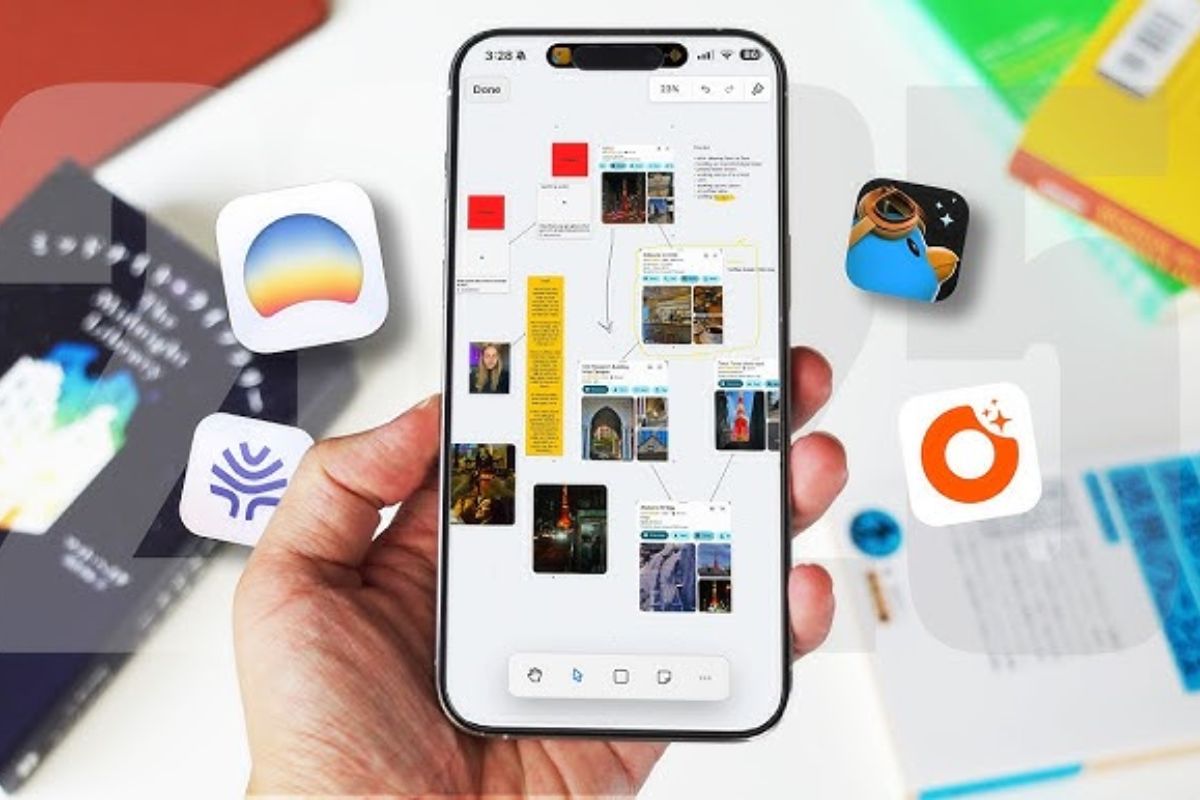
Every day, people open hundreds of links, blogs, and videos. But when you want to save them for later, it becomes hard to remember where you saw them. This is where bookmark apps come in.
Bookmark apps help you save, organize, and quickly find your favorite websites, articles, videos, or any online content. Whether you are a student, professional, or someone who loves reading online, having a good bookmark app saves time and keeps your internet life clean.
In 2025, many apps make bookmarking easier and smarter. Let’s look at the best bookmark apps in 2025 that you can use on your phone, tablet, or computer.
1. Raindrop.io – The Most Stylish and Powerful Bookmark App
Raindrop.io is one of the most popular bookmark apps today. It lets you save anything — articles, videos, images, or even PDFs — and keeps everything beautifully organized.
Features
- You can save links with one click using a browser extension.
- Create folders (called collections) and add tags for better organization.
- It shows visual previews or thumbnails, so your saved links look neat.
- You can share your collections with others or keep them private.
- Available on all devices — Windows, Mac, Android, iPhone, and web browser.
Why It’s Best
Raindrop.io is perfect if you save a lot of different content. Its design is clean, and searching for saved items is easy. You can also use filters to find bookmarks faster.
Free vs Paid
- Free plan: Basic features like saving and organizing.
- Pro plan: Adds backup, duplicate link check, and advanced filters.
In short: Raindrop.io is great for anyone who wants a beautiful, all-in-one bookmark manager.
2. Instapaper – Best for Reading Articles Later
If you like reading long articles but don’t have time to read them immediately, Instapaper is for you. It lets you save any web article and read it later without ads or distractions.
Features
- Read offline: Once you save an article, you can read it without internet.
- Clean layout: Removes ads and unnecessary images, giving a book-like reading experience.
- Highlight and make notes: Save important lines or paragraphs.
- Syncs across devices: Read on your phone, tablet, or computer anytime.
Why It’s Best
Instapaper is perfect for readers and students. It’s like your personal reading library. It even remembers where you left off in an article.
Free vs Paid
- Free: Save and read articles easily.
- Premium: Adds full-text search, speed reading, and unlimited notes.
In short: Instapaper is ideal for people who love reading long articles later in peace.
3. Pocket – The Classic Read-Later Bookmark App
Pocket is another very famous bookmark app that works similar to Instapaper. It is owned by Mozilla (the company behind Firefox).
Features
- Save any article, video, or story with one click.
- Works directly inside Firefox and Chrome browsers.
- Listen to articles: Pocket can read the articles aloud for you.
- Gives you smart recommendations based on what you read.
Why It’s Best
Pocket is trusted by millions of users around the world. Its simple interface and audio reading feature make it special.
Free vs Paid
- Free: Basic bookmarking and reading.
- Premium: Offers permanent library and advanced search tools.
In short: Pocket is great for people who want a simple, reliable read-later tool.
4. Toby – Best for Organizing Browser Tabs
If you always have too many tabs open on your browser, Toby can save your life. It is a smart extension that helps you organize tabs and bookmarks together.
Features
- Save all open tabs with one click.
- Organize them in visual boards (like sticky notes).
- Helps you save browser memory by closing tabs you don’t need right now.
- Easy drag-and-drop feature to organize everything.
Why It’s Best
Toby is perfect for people who multitask — designers, marketers, students — anyone who works with many websites.
Availability
Toby works as a browser extension for Chrome, Edge, and Firefox.
In short: Toby is for people who always have 20+ tabs open and want to organize them smartly.
5. Bookmarkify – Best for Creatives and Designers
Bookmarkify is a modern app made for people who save inspiration — like designs, images, or creative ideas.
Features
- Save links, photos, and videos easily.
- Organize them in simple, visual boards.
- Add custom notes or tags to remember why you saved something.
- Syncs on desktop and mobile.
Why It’s Best
Bookmarkify has a beautiful interface that looks more like Pinterest. It’s great for people who work in design, content, or marketing and want to save “inspiration links.”
In short: Bookmarkify is best for saving and organizing creative ideas beautifully.
6. Evernote – Bookmarking Meets Note-Taking
Evernote is mainly known as a note-taking app, but it also has a Web Clipper tool that lets you save websites, articles, or screenshots directly into your notes.
Features
- Save full web pages, text, or just highlights.
- Add your own comments or summaries.
- Syncs automatically across devices.
- Helps you organize bookmarks inside notebooks with tags.
Why It’s Best
If you do a lot of research or like to write notes about what you save, Evernote is ideal. It combines bookmarks + notes in one app.
In short: Evernote is perfect for students, researchers, or professionals who want to save links and add personal thoughts too.
7. Pinterest – Best for Visual Bookmarking
Pinterest may not look like a traditional bookmark app, but it works like one for visual people. You can save websites, images, or products as “Pins” on boards.
Features
- Save any image or webpage with one click.
- Create themed boards — for example, “Recipes,” “Travel Ideas,” or “Work Tools.”
- Easy to share and discover new ideas.
- Available on all devices.
Why It’s Best
Pinterest is great for people who want visual inspiration. It’s especially useful for home design, fashion, food, or travel lovers.
In short: Pinterest is best for visual bookmarking and finding new creative ideas.
8. Notion – Bookmarking for Productivity Lovers
Notion is not only a note app but also a powerful tool for bookmarking and organizing. You can create a database of all your saved links, articles, and resources.
Features
- Add bookmarks in tables, lists, or galleries.
- Add tags, categories, and notes.
- Collaborate with team members.
- Syncs across all devices.
Why It’s Best
Notion is great for people who love productivity tools and want to manage bookmarks with projects or tasks.
In short: Notion is for professionals or students who want their bookmarks to stay connected with their daily work.
9. Pinboard – Best for Tech-Savvy Users
Pinboard is a simple but very powerful bookmarking service. It’s text-based and focuses on speed and privacy rather than design.
Features
- Fast and reliable bookmarking.
- Add tags easily for organization.
- Automatic backup of saved links.
- No ads or distractions.
Why It’s Best
Pinboard is ideal for people who want a no-nonsense tool that just works. Many developers and researchers love it because it’s fast and private.
In short: Pinboard is best for minimalists and tech users who value privacy.
10. Save to Google – For Google Account Users
If you use Chrome or other Google apps daily, Save to Google (or “Google Collections”) is already available for you.
Features
- Save links, images, and places directly from Chrome.
- Automatically syncs with your Google account.
- Access your bookmarks on any device.
- Integrates with Google Search and Maps.
Why It’s Best
It’s simple, quick, and built right into Google’s ecosystem. You don’t need to download anything extra.
In short: Perfect for casual users who already use Google products daily.
Comparison Table
| App Name | Best For | Free Plan | Sync Across Devices | Visual Design |
|---|---|---|---|---|
| Raindrop.io | All-in-one bookmarking | ✅ Yes | ✅ Yes | ⭐⭐⭐⭐ |
| Instapaper | Reading articles later | ✅ Yes | ✅ Yes | ⭐⭐⭐ |
| Reading and listening | ✅ Yes | ✅ Yes | ⭐⭐⭐ | |
| Toby | Organizing browser tabs | ✅ Yes | ✅ Browser only | ⭐⭐⭐⭐ |
| Bookmarkify | Creative inspiration | ✅ Yes | ✅ Yes | ⭐⭐⭐⭐ |
| Evernote | Notes + bookmarks | ✅ Yes | ✅ Yes | ⭐⭐⭐ |
| Visual ideas | ✅ Yes | ✅ Yes | ⭐⭐⭐⭐ | |
| Notion | Productivity + organization | ✅ Yes | ✅ Yes | ⭐⭐⭐⭐ |
| Pinboard | Minimal + private | ❌ No (Paid only) | ✅ Yes | ⭐⭐ |
| Save to Google | Quick bookmarking | ✅ Yes | ✅ Yes | ⭐⭐⭐ |
Tips to Choose the Right Bookmark App
- If you save many types of content (articles, videos, images), go for Raindrop.io.
- If you like reading articles later, try Pocket or Instapaper.
- If you always have many browser tabs open, choose Toby.
- If you want visual inspiration, use Pinterest or Bookmarkify.
- If you like to write notes along with links, go for Evernote or Notion.
- If you care about privacy and simplicity, pick Pinboard.
Conclusion
In 2025, bookmarking is no longer just about saving links — it’s about staying organized, productive, and stress-free online. The best bookmark app depends on your daily habits:
- For beauty and power, choose Raindrop.io.
- For reading, go with Pocket or Instapaper.
- For creativity, use Bookmarkify or Pinterest.
- For note lovers, Evernote or Notion is perfect.
Whatever you pick, the goal is simple — to save what matters and find it easily later.
Calling all Marketers!
🔴 Are you tired of searching for the perfect job?
Whether you're into content writing, SEO, social media, graphic design, or video editing—full-time, freelance, remote, or onsite—we've got your back!
👉 We post over 30 job opportunities every single day. Yes, every day (all verified).
Join the most reliable and fastest-growing community out there! ❤️
And guess what? It’s FREE 🤑
✅ Join our WhatsApp Group (Click Here) and Telegram Channel (Click Here) today for instant updates.